Meme generator
Pick a template, type, drag, download. Free, no signup, no watermark, nothing uploaded.
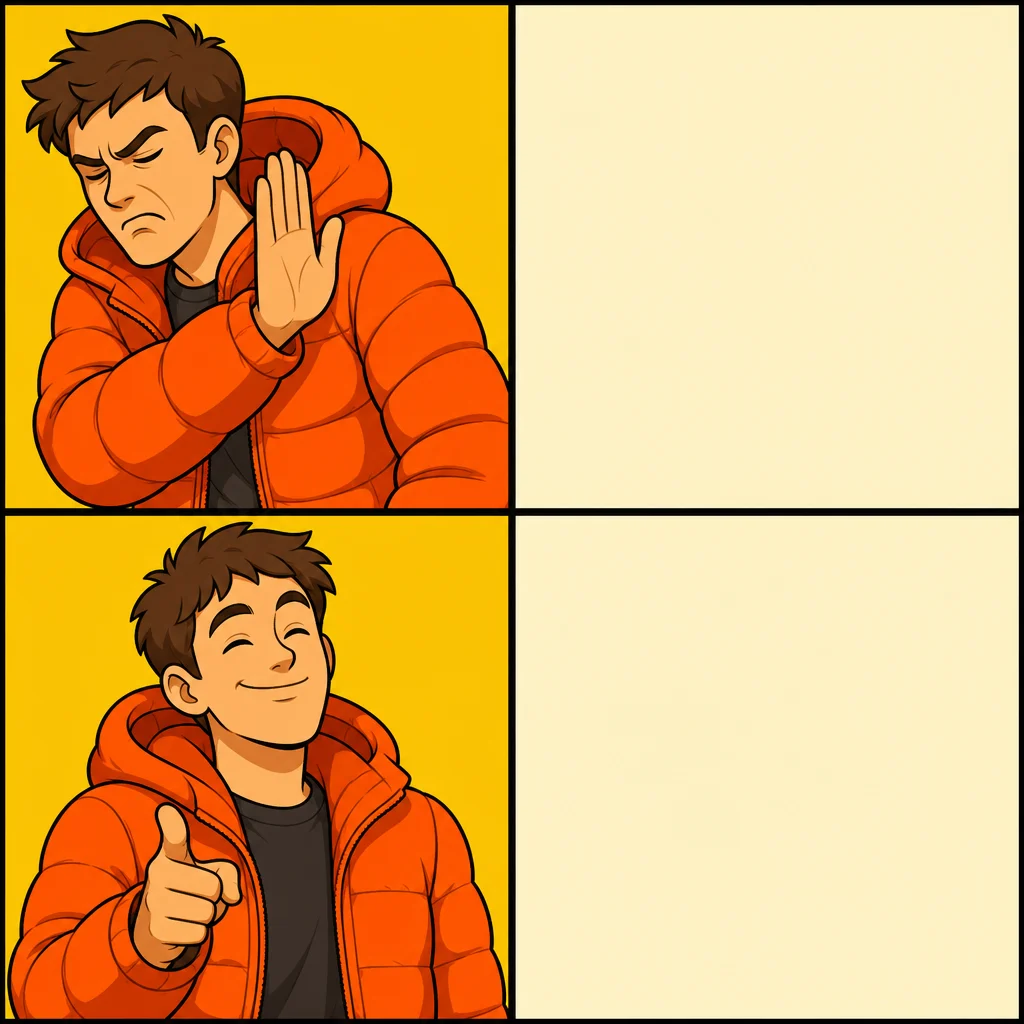
Drag a dashed box to move it; drag its corner to resize. The PNG downloads at full 1024×1024 px, with no watermark.
How to make a meme
- Pick a format. Tap one of the 26 templates, or use your own photo. Each template has its caption boxes already placed where the format expects them.
- Write the joke. Type in the numbered fields. Text shrinks automatically to fit its box, so long captions never spill off the image. Stuck? Ask the AI for caption ideas.
- Adjust and export. Drag boxes, change font or colour, then download a full-size PNG or share it straight to a chat.
Meme templates
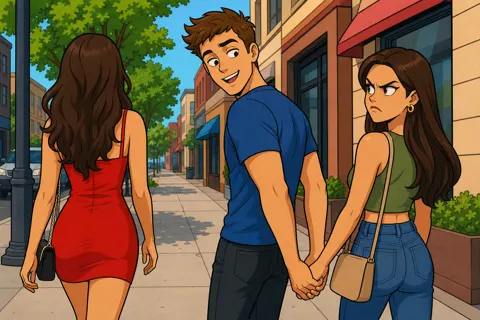
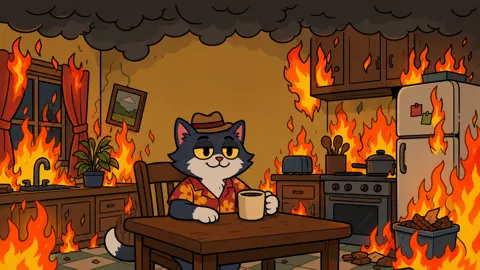
All templates and what they mean
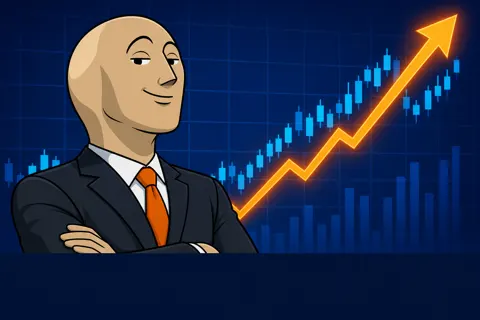
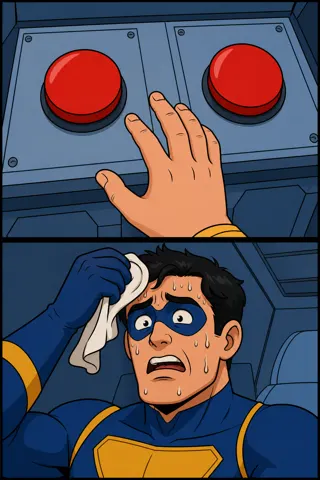
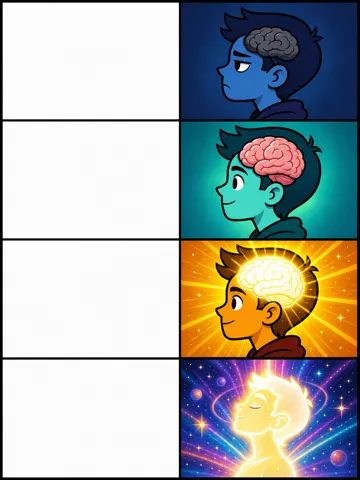
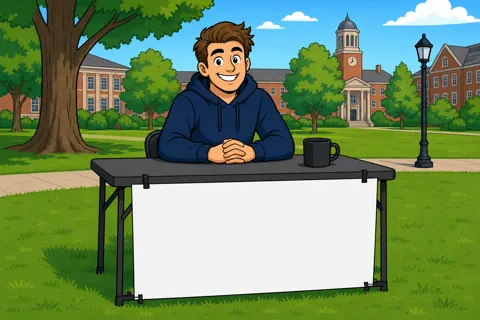
Let the AI pick the format
Not sure which meme fits? Describe the situation in a sentence ("my cat ignores me until 5am") and the AI meme generator chooses three formats that suit it and writes the captions. Every result opens in the editor, so you still have the last word.
Why the text looks like that
White capitals with a thick black outline are readable on any photo, light or dark. The meme font page shows why with a slider you can play with, and lets you make meme-style text on its own.
Questions
Is QuickMeme really free with no signup?
Yes. There is no account, no login and no watermark. Pick a template, type your captions and download the PNG.
Do my images get uploaded anywhere?
No. The meme is drawn on a canvas in your browser. If you use your own photo, it never leaves your device. Only the topic you type into the AI caption box is sent to our server to generate ideas.
What size is the downloaded meme?
Templates export at their full resolution (1024 to 1536 pixels wide). Your own photos export at up to 1600 pixels on the long side, which is plenty for any chat app or social feed.
How do I make a meme on my phone?
Everything works on a phone: tap a template, type in the caption fields, drag the dashed boxes with your finger, then tap Share to send it straight to WhatsApp, Instagram or Messages, or Download to save it.
Can I use my own picture?
Yes. Tap "Use your own image" and pick any photo. You get top and bottom text to start, and you can add as many extra text boxes as you like.
How do I add white space above a meme?
Open Text style and turn on "White space on top". A white caption bar appears above the image with its own text field, in the plain style used for Twitter and Reddit memes. It is included in the downloaded PNG.
Where can I get blank meme templates?
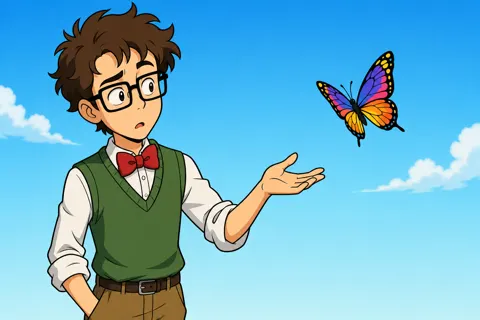
Every template has a "Blank template" button next to Download, and the templates page lists all 26 as plain downloads. They are original illustrations drawn for QuickMeme, so you can use them anywhere.
What does the AI caption button do?
Type a topic, such as "group projects" or "Mondays", and it writes several caption sets for the template you are using. Tap one to drop it into the meme, then edit it however you like.